
The C.R.E.A.M. Method: How to Track Every Dolla Dolla Bill Y'all

Stop guessing where your money goes.
That daily coffee. The forgotten subscriptions. The "just this once" takeout that somehow happens four times a week. It all adds up faster than you think.
When I started actually organizing my finances, I made better decisions and I made more money. You can't improve what you don't track. The data will humble you, but it'll also show you exactly where you can make better choices. Here's how I do it.
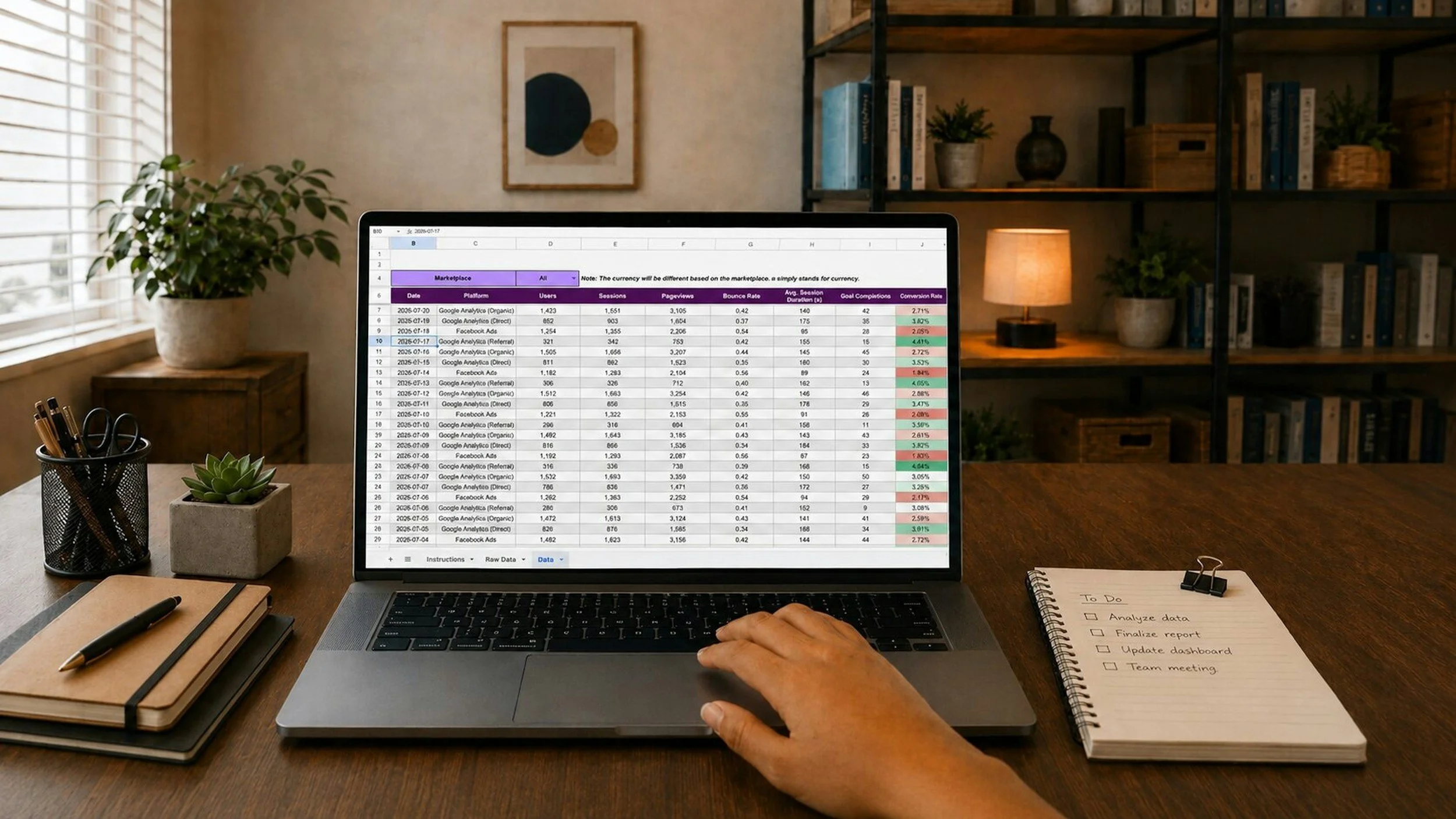
I didn't start out organized. I was pulling in a few hundred bucks a month, putting it back into the business, and had no real idea if I was actually making anything or just going through the motions.
Two things changed that: I opened a business bank account separate from my personal one, and I started tracking every dollar in and out, every month, without fail. Suddenly I could see exactly where the business stood — not a guess, not a vibe, the actual number.
One card for supplies. One account for the business. That split alone makes tracking simple enough to actually stick with. Here's the system.
The lo-fi version
At the end of every month:
Export your credit card statement. Pull every charge from the 1st to the last of the month into a spreadsheet.
Categorize everything. Advertising, Materials, Shipping, whatever makes sense for your business, so you know exactly where the money's going.
Export your bank statement. Same window, first to last, so you can see what came in.
Create a master file. One spreadsheet per month, titled by month and year.
Compare income vs. expenses. Put them side by side. Green or red — you want to know.
To stay organized year-round:
Use one business credit card and one business checking account. Keeps everything simple.
Set a monthly calendar reminder and give yourself 1–2 hours to review.
Create a folder for each month ("2026 - January," etc.) and save your statements there.
Keep an email folder called "Receipts" for anything digital.
By the end of the year, you've got twelve folders and a full picture of your business. That's it. That's the system.
The AI-powered version
Same system, just faster. Here's what I run every month now.
What you need:
Your credit card statement (Excel or CSV)
Your bank statement (Excel or CSV)
A free Claude.ai account

Step 1 — Prepare your credit card statement. Download it, add a "Memo" or "Category" column, and tag each transaction: Advertising, Apps/Services, Commission, Donation, Education, Food/Dining, Materials, Shipping, Transportation, or whatever fits your business.
Step 2 — Prepare your bank statement. Download it as Excel or CSV with Date, Description, Category, and Amount columns.
Step 3 — Upload both to Claude.ai. Start a new conversation, click the attachment icon, and upload both files.
Step 4 — Paste this prompt:
I need help organizing my business finances using the C.R.E.A.M. method. I've uploaded my credit card and bank statements.
Please: 1. Read the categories I assigned in my credit card statement
2. Total each category
3. Identify income sources from my bank statement
4. Create a professional Excel C.R.E.A.M. Monthly Financial Statement with all expense categories in rows, columns for Credit Card, Checks, Zelle, and Total, category totals, an income section with identified sources, auto-calculating formulas for Total Income, Total Expenses, and Profit/Loss, and professional formatting with borders, headers, and color-coding
5. Create a downloadable Excel file
6. Show a summary: top 3 spending categories, total income, total expenses, profit/loss Build this from scratch, no template needed.
Step 5 — Download your file. You'll get back a downloadable spreadsheet and a summary of your month.
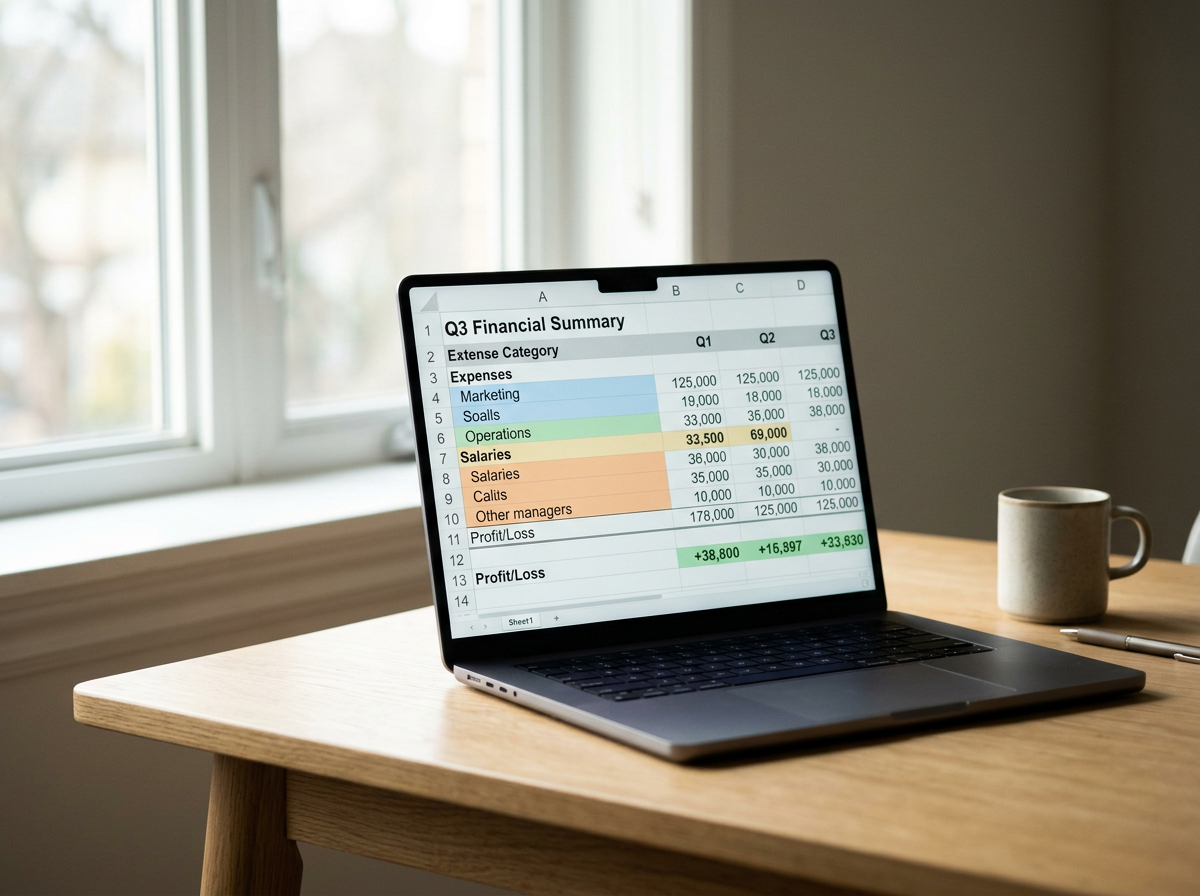
Done. You'll have a professional financial statement showing every expense by category, total income, total expenses, and profit or loss — every month, in about the time it takes to eat lunch.
Repeat this every month and you'll always know exactly where you stand.
This is for educational purposes only. Consult a professional accountant or tax advisor for your specific situation.